- Practically AI
- Posts
- 🧠 How close are we to a fully automated creative workflow?
🧠 How close are we to a fully automated creative workflow?
Today in AI: OpenAI’s developer tools, Meta’s glasses, and Claude’s new trick
👋 Hello hello,
Today’s AI headlines aren’t about fancy benchmarks — they’re about ecosystem building, platform strategy, and tangible product shifts that will shape how you use AI this week.
OpenAI just opened the door for developers to submit apps that run inside ChatGPT. Google’s CEO revealed what the company really thought when ChatGPT launched before its own AI chatbot. And Meta’s AI glasses update makes real-world conversations easier to follow in noisy environments.
Let’s get into it.
🔥🔥🔥 Three big updates
OpenAI announced that developers can officially submit apps for review and publication in the ChatGPT app directory. This means app experiences that extend conversation with real actions — like scheduling, search, or commerce workflows — can soon become discoverable right inside ChatGPT.
The platform includes guidance, UI components, and a developer quickstart to help teams build higher-quality integrations.

Google CEO Sundar Pichai publicly acknowledged that although Google had been building chatbot technology internally, OpenAI released ChatGPT first, forcing the company to reassess and accelerate its own AI roadmap.
Pichai shared this perspective while reflecting on how the industry shifted after ChatGPT’s launch — forcing even the biggest players to pivot rapidly.
Meta’s latest software refresh for its AI glasses adds conversation focus — a feature that amplifies the voice of the person you’re talking to, even in noisy environments. The update also includes tighter integration with Spotify and other companion experiences, making wearable AI more usable in everyday settings.
🔥🔥 Two tools worth trying
Kling AI updates
Kling AI just rolled out the 2.6 upgrade, bringing more precise motion control and expression capabilities to its video and image generation pipeline. Early users note smoother control over character gestures and finer detail in outputs — a practical boost for social creators and short-form video makers.
Gemini “G3mini” interactive Gems
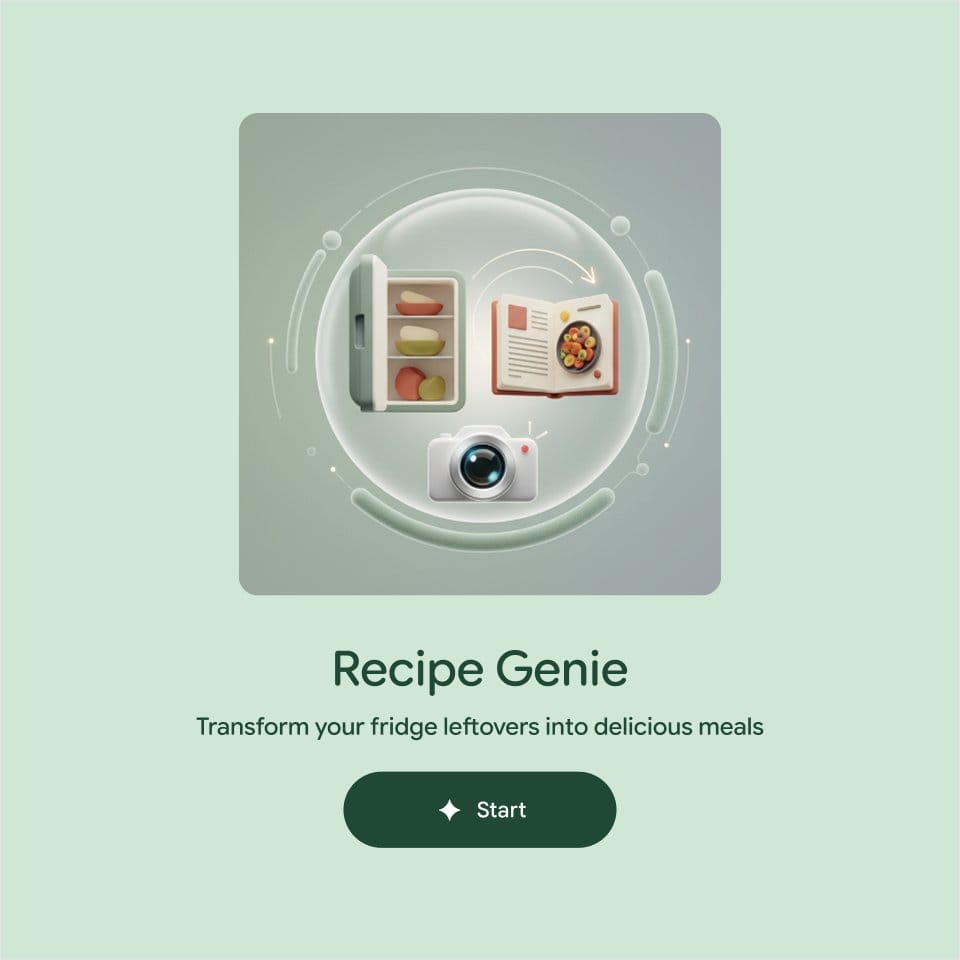
Google’s Gemini App account is highlighting a new class of interactive Gems — mini AI experiences that let you build tiny AI tools inside Gemini for specific tasks. Think of them like micro-apps you can trigger with a prompt to handle repeatable workflows without rewriting context each time.
For instance, you can create a Gem that lets you describe or upload a photo of your ingredients and get a personalized recipe.
You can try it out on your desktop here: goo.gle/3MDOPy5
🔥 Things You Didn’t Know You Can Do With AI
Different users handle AI presentations differently — but the smartest ones combine creativity with systems thinking.
• Beginners upload notes, PDFs, or videos into tools like NotebookLM. It’s fast and convenient, but the tradeoff is limited creative control.
• Experienced users go one step further. They train a Claude Skill on their brand tone, layout preferences, and visual identity. The result? Every new presentation automatically matches the brand voice and structure — consistently polished, but still requires a manual trigger.
• Power users integrate Claude with Gamma and Zapier for end-to-end automation. When a new lead comes in, the system automatically researches the prospect, references internal documents, and generates a personalized, on-brand sales deck in Gamma — no human handoffs required.
The result: presentations that are fast, consistent, and built around your brand — without losing creative control.
See a quick demo here!
Do you like this new format? |
💌 Have a system or prompt you can’t live without?
Reply to this email and share your favorite AI workflow — we’ll feature some of the best in next week’s issue.
Until next time,
Kushank @DigitalSamaritan
Reply